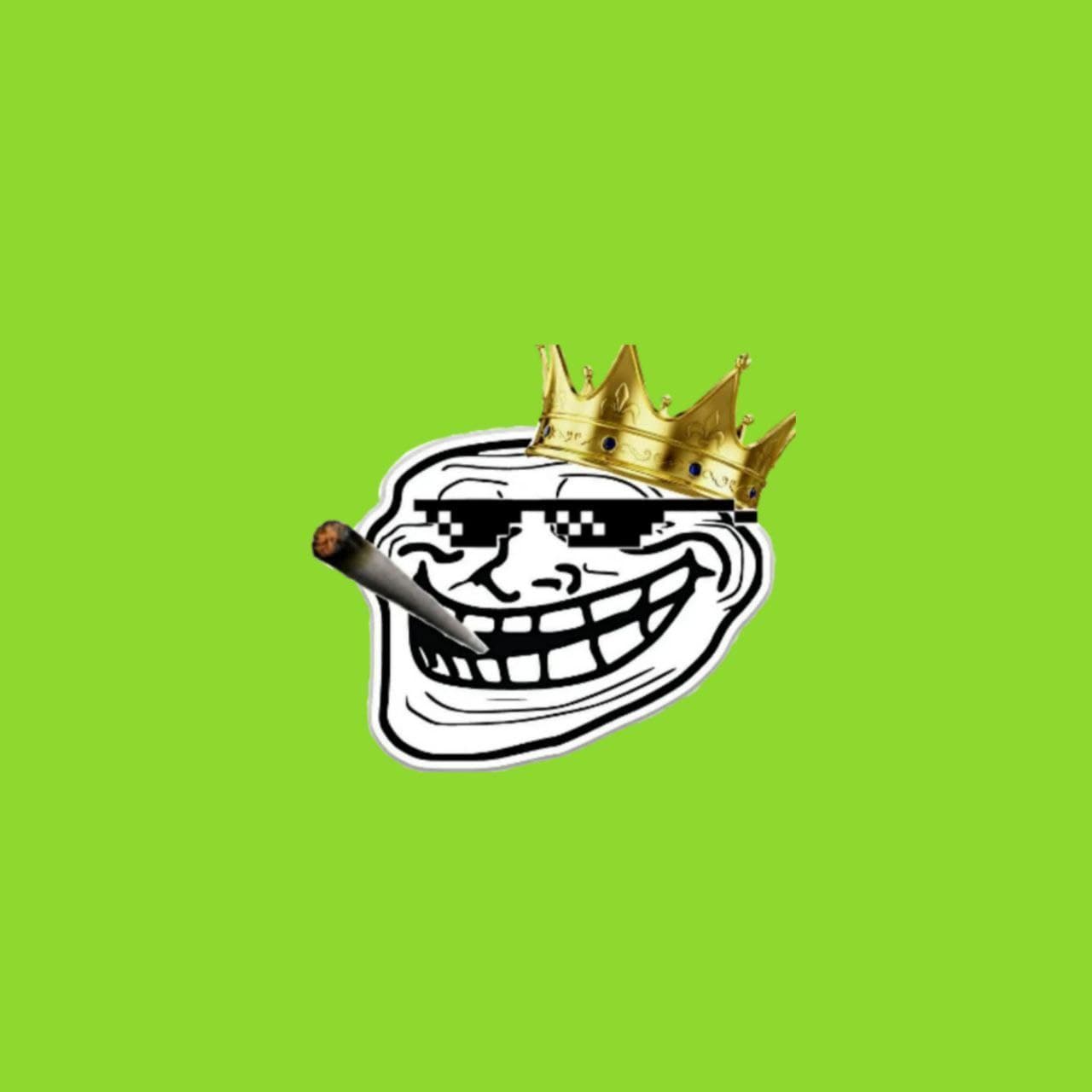
About Green Screen Meme Templates
These are overlay images on a flat green background, made to be keyed out in a video editor and dropped on top of your own footage. The main set is the “dank skull” — a grinning skull face in variants such as king, red eyes pointing, alien, dark eyes, big eyes and with honks — used as a jump-cut reaction in edits.
There is also a temperature-check gun overlay. Import the image into CapCut, VN or Premiere, apply chroma key on the green, and position it over your clip.
Templates worth knowing and when to use them
- Dank skull with red eyes points finger — Accusing reaction for the moment someone gets exposed.
- Dank skull king — Crowned skull for a smug victory.
Questions
How do I remove the green background?
Use the chroma key (or “remove colour”) effect in your video editor and pick the green; the skull stays and the background disappears.